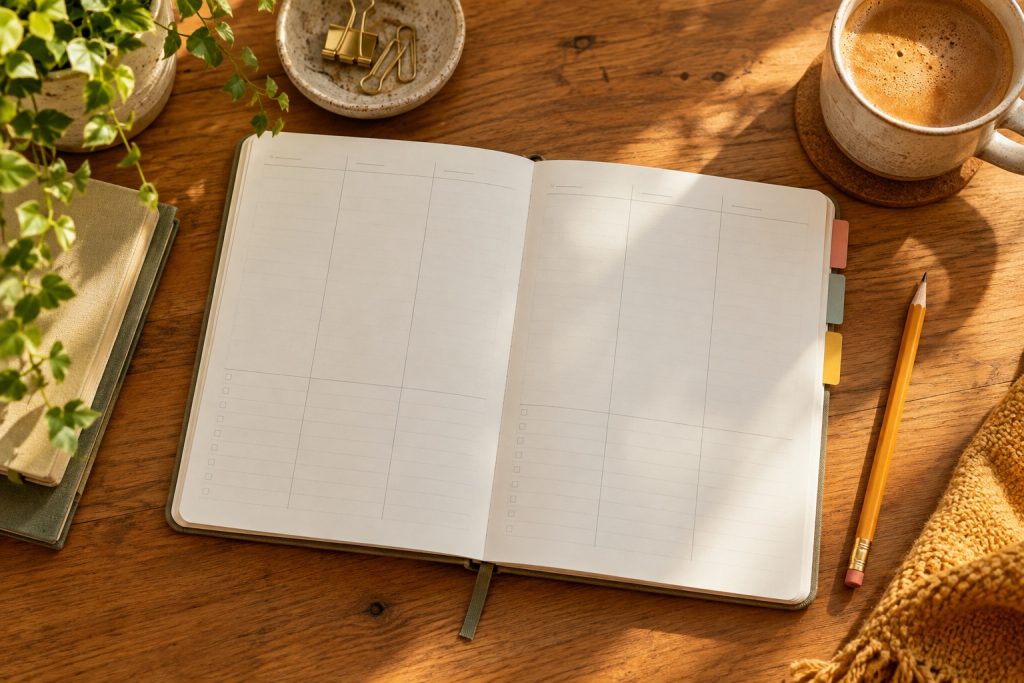
AI-created editorial photo. Not the specific reviewed product.
The short version
Who this may suit
Consider the layout only after confirming the exact Classic variant, specifications and availability.
A good fit if…
You want a two-page daily spread alongside separate wider planning sections.
Look elsewhere if…
You need an immediately available planner or expect all Panda editions to match.
Panda Planner Classic is a candidate for someone who wants substantial space for a daily plan while keeping monthly and weekly pages separate. The name matters: Classic, Daily Planner 2.0 and Pro are different products. This review concerns the original Classic, and the official listing showed unavailable and backorder messages when checked. Do not assume immediate delivery.
Separate the daily page from the wider view
The official comparison table assigns Classic a two-page daily spread and a three-month format. Daily Planner 2.0 and Pro use different daily layouts. Compare the actual interiors before treating one as a direct replacement for another.
Two pages can be useful if your day needs both a schedule and room to work through priorities. They can also feel excessive if you usually record three short items. Write a representative day’s information on a similar amount of blank paper and see whether the space feels helpful or demanding.
Understand what undated changes
The FAQ explains that monthly, weekly and daily sections are separated so a missed day does not force the next daily entry onto an obsolete date. You supply dates and move between sections deliberately. That flexibility does not automatically keep the sections synchronized.
For example, after moving an appointment, check the weekly overview and any daily page where you copied it. A small page marker can make the current day easy to find. Decide whether this movement between sections suits you before building a complicated color system or adding several kinds of trackers.
Resolve the specification differences
The product page and comparison table show different widths for Classic. The older FAQ also describes a monthly-page allowance that does not match the current comparison table. We therefore do not treat those details as settled specifications for the unit you would receive.
If bag fit, page count or a particular interior matters, ask the seller to confirm the current variant in writing. Check stock separately from the continued existence of a product page. A backorder notice is not a delivery commitment, and a marketplace listing may concern another version.
Choose a manageable routine
Use the daily spread for a small set of decisions: what must happen, what can wait and what needs more information. During a weekly review, look for repeatedly postponed items and decide whether to change the action, obtain an input or remove it. This is more informative than simply counting checked boxes.
Classic may fit someone who wants a roomy daily structure and accepts moving between undated sections. It is a weaker choice if you need a currently confirmed shipment or precise specifications without contacting the seller. This desk review does not validate the brand’s productivity or happiness claims, and it cannot establish how the paper behaves with your preferred pen.
How this was reviewed
Desk research from official product listings and guides, checked October 24, 2026. We did not handle these planners or test paper, binding, ink compatibility, durability or productivity outcomes. Confirm the selected edition, stock and purchase terms.
Read next
Paper Planners Compared: Daily Structure, Weekly View or Flexible Pages
Strengths
- Daily space can accommodate more than a short task list
- Undated sections allow gaps between entries
Limitations
- Listing showed unavailable/backorder messaging
- Official pages disagree on some physical and page-count details